








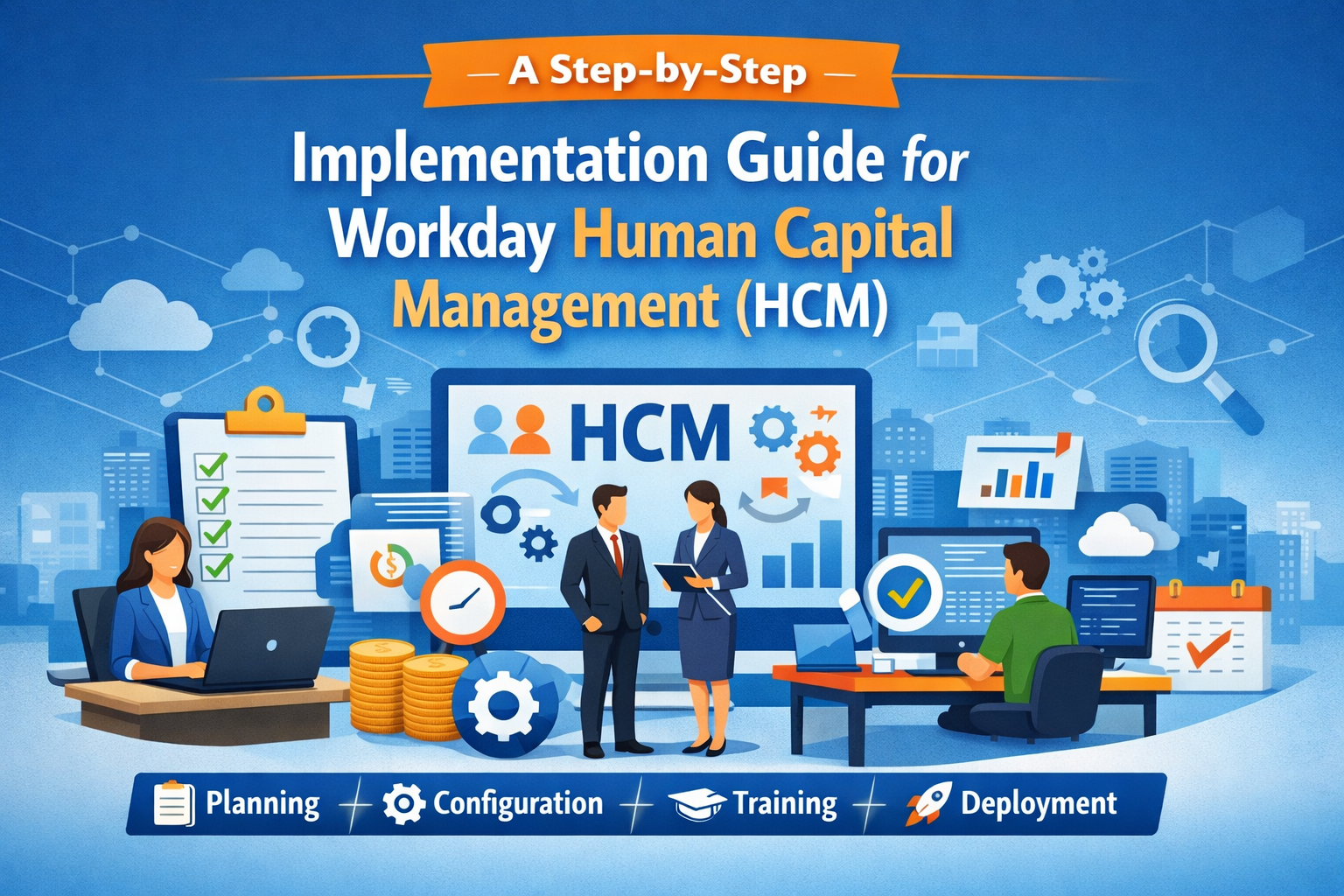
In today’s fast-paced business environment, Workday Human Capital Management (HCM) has emerged as a leading solution for organizations aiming to streamline workforce management and optimize HR processes. Implementing Workday HCM correctly can transform how your organization manages the employee lifecycle, enhances employee engagement, and ensures compliance with industry standards. This guide provides a step-by-step roadmap for successful Workday implementation, from planning to deployment, integrating all essential HCM modules and cloud HCM solutions.

Why Choose Workday HCM?
Workday HCM offers an integrated suite of tools to manage HR processes efficiently. From talent management systems to payroll, benefits administration, and time tracking, Workday enables organizations to centralize employee data management while ensuring HR compliance. Its cloud-based architecture allows seamless Workday integrations with other HR automation tools, providing real-time HR analytics and actionable insights.
Key advantages include:
- Employee self-service portals for better engagement
- Streamlined workforce planning and succession planning
- Automated HR workflow automation for efficiency
- Performance management dashboards for actionable insights
- Support for Workday updates and releases to stay current
Step 1: Define Your HCM Implementation Strategy
Every successful HCM deployment strategy begins with clear goals. Start by identifying your HR transformation strategy and the objectives you aim to achieve with Workday HCM implementation. Consider factors such as:
- Streamlining employee lifecycle management
- Enhancing talent management systems
- Optimizing compensation management and benefits administration
- Improving HR process digitalization and efficiency
Document your HCM project roadmap and define clear Workday project plans, including timelines, deliverables, and KPIs.
Step 2: Assemble Your Workday Implementation Team
Successful HCM implementation steps require a skilled team, including:
- HR leaders familiar with Workday HR system
- IT specialists for Workday cloud migration and system configuration
- Project managers for overseeing HCM deployment strategy
- Change management experts for Workday user adoption
Collaborate with Workday consultants if needed to ensure best practices in HCM configuration and HR automation tools integration.
Step 3: Configure Workday Modules
Workday HCM consists of multiple modules designed to streamline HR functions. During implementation, configure modules according to your organization’s needs:
- Workday recruiting module for hiring efficiency
- Workday payroll and compensation management
- Workday learning management for employee development
- Workday performance management for evaluating staff
- Workday time tracking and attendance monitoring
Proper HCM system configuration ensures smooth operation across employee self-service portals, HR workflow automation, and reporting dashboards.
Step 4: Integrate Systems and Automate Processes
Integration is crucial for seamless HR process optimization. Use Workday integrations to connect your talent management system with existing platforms like payroll, finance, or recruiting software. Automate tasks such as:
- Employee onboarding
- Employee data management updates
- Workday audit and compliance reporting
- Workflow automation across departments
Automation reduces errors, saves time, and improves overall HR digital transformation.
Step 5: Test, Train, and Deploy
Before going live, conduct comprehensive HCM testing to ensure that all Workday modules function correctly. Create training programs for HR staff and employees to encourage Workday user adoption. Focus areas include:
- Using employee self-service portals efficiently
- Generating Workday reporting dashboards
- Managing HR compliance and audit requirements
- Leveraging HR analytics for decision-making
Once testing and training are complete, proceed with your end-to-end HCM implementation, ensuring ongoing monitoring and support.
Step 6: Monitor, Optimize, and Upgrade
Successful Workday HCM implementation doesn’t end at deployment. Continuous improvement ensures maximum ROI. Use HR analytics, Workday reporting, and employee engagement tools to monitor performance. Plan for Workday updates and releases to incorporate new features and enhance HR automation tools.
Regular optimization helps organizations achieve:
- Better workforce planning
- Improved succession planning
- Efficient benefits administration
- Streamlined payroll and compensation management
Best Practices for Workday HCM Implementation
- Document every step of your HCM project roadmap.
- Engage key stakeholders early to enhance Workday user adoption.
- Use HR workflow automation for repetitive processes.
- Leverage cloud HCM solutions for scalability and flexibility.
- Continuously monitor employee lifecycle management and optimize using HR analytics.
Following these practices ensures that your Workday HCM implementation is smooth, efficient, and aligned with organizational goals.
Conclusion
Implementing Workday Human Capital Management is a transformative journey for any organization. From talent management systems to payroll, time tracking, and performance management, Workday provides the tools needed for a complete HR digital transformation. By following this step-by-step implementation guide, organizations can ensure effective HCM system configuration, seamless Workday integrations, and enhanced employee engagement tools. With careful planning, testing, and continuous optimization, Workday HCM implementation can maximize productivity, streamline HR processes, and future-proof your organization’s workforce strategy.





 The Digital Hunts – Global Guest Post Site
 Contact Us: